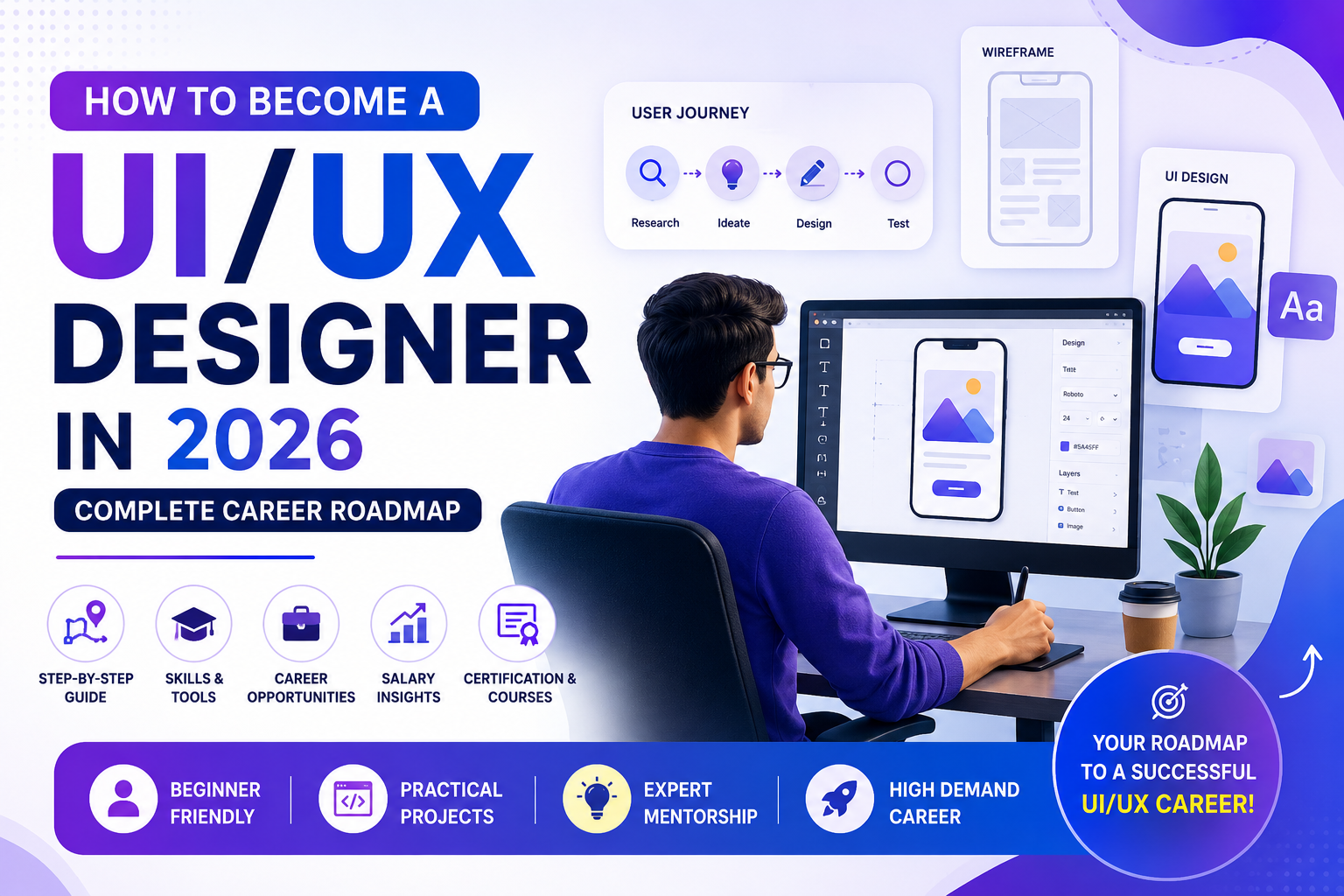
UI/UX Design is one of the fastest-growing and highest-paying creative careers in 2026. As businesses continue to invest in websites, mobile applications, SaaS platforms, and digital products, the demand for skilled UI/UX Designers is increasing across industries such as IT, fintech, healthcare, e-commerce, education, gaming, and startups.
Whether you’re a student after 10th or 12th, a college graduate, a graphic designer, a web developer, or someone planning a career switch, this comprehensive guide will help you understand the complete roadmap to becoming a successful UI/UX Designer in 2026. You’ll learn about the required skills, tools, salary expectations, career opportunities, certifications, portfolio development, AI-powered design tools, and how to choose the best UI/UX Design course.
What is UI/UX Design?
UI/UX Design combines two essential disciplines of digital product design:
- UI (User Interface) Design focuses on the visual appearance of websites, mobile applications, dashboards, and software.
- UX (User Experience) Design focuses on creating products that are intuitive, user-friendly, accessible, and enjoyable to use.
Together, UI and UX help create digital experiences that are both visually appealing and easy to navigate.
Why Choose UI/UX Design as a Career in 2026?
Digital transformation has made UI/UX Designers indispensable. Every business needs websites, apps, and digital platforms that offer excellent user experiences.
Reasons to Choose UI/UX Design
- High industry demand
- Attractive salary packages
- Global job opportunities
- Remote and hybrid work options
- Freelancing opportunities
- Creative and rewarding career
- AI-assisted design workflows
- Startup and entrepreneurship opportunities
- Continuous learning and innovation
Who Can Become a UI/UX Designer?
UI/UX Design is suitable for:
- Students after 10th
- Students after 12th
- College students
- Graduates
- Graphic Designers
- Web Designers
- Front-End Developers
- Digital Marketing Professionals
- Software Engineers
- Entrepreneurs
- Freelancers
- Career changers
No prior coding experience is required to start learning UI/UX Design.
Step-by-Step Career Roadmap to Become a UI/UX Designer
Step 1: Learn the Fundamentals of UI & UX
Begin by understanding the basics of:
- User Interface Design
- User Experience Design
- Human-Centered Design
- Design Thinking
- Visual Communication
- Accessibility
- Responsive Design
- User Psychology
This foundation helps you create meaningful digital experiences.
Step 2: Learn Design Principles
A successful designer understands:
- Color Theory
- Typography
- Layout & Grid Systems
- Visual Hierarchy
- White Space
- Contrast
- Alignment
- Consistency
- Branding
- Responsive Design
These principles improve both usability and aesthetics.
Step 3: Master Industry-Standard Design Tools
Learn the tools used by professional UI/UX Designers.
UI Design Tools
- Figma
- Adobe XD
- Adobe Photoshop
- Adobe Illustrator
- Canva
UX Design Tools
- Figma
- FigJam
- Miro
- Maze
- Balsamiq
AI Design Tools
- ChatGPT
- Adobe Firefly
- Midjourney
- Uizard
- Galileo AI
- Relume AI
- Framer AI
AI tools help accelerate wireframing, ideation, content generation, and prototyping.
Step 4: Learn UX Research
Understanding users is the foundation of UX Design.
Topics include:
- User Interviews
- Surveys
- Competitor Analysis
- Market Research
- User Personas
- Empathy Mapping
- Information Architecture
- Customer Journey Mapping
Step 5: Learn Wireframing
Wireframes represent the structure of a product before visual design begins.
You’ll learn to create:
- Low-Fidelity Wireframes
- Mid-Fidelity Wireframes
- High-Fidelity Wireframes
- User Flows
- Navigation Structures
Step 6: Learn Prototyping
Prototypes simulate how a product behaves before development.
Learn:
- Clickable Prototypes
- Interactive Components
- Animations
- Transitions
- Micro-interactions
Step 7: Learn UI Design
Design visually engaging interfaces using:
- Icons
- Buttons
- Cards
- Navigation Bars
- Forms
- Dashboards
- Mobile Screens
- Landing Pages
Focus on consistency and usability.
Step 8: Learn Responsive Design
Create designs that work across:
- Smartphones
- Tablets
- Laptops
- Desktop Computers
- Large Displays
Responsive design is essential for modern digital products.
Step 9: Understand Design Systems
Large organizations use design systems to maintain consistency.
Learn:
- Components
- Variants
- Auto Layout
- Design Tokens
- Style Guides
- Reusable UI Libraries
Step 10: Build Real Projects
Practice by designing:
- E-commerce Websites
- Banking Apps
- Food Delivery Apps
- Travel Booking Platforms
- Hospital Management Systems
- School Portals
- CRM Dashboards
- SaaS Applications
- Portfolio Websites
Hands-on projects strengthen your practical skills.
Step 11: Create a Professional Portfolio
Your portfolio is often more important than your resume.
Include:
- Case Studies
- UX Research
- Wireframes
- User Flows
- UI Screens
- Interactive Prototypes
- Design Systems
- Before-and-After Improvements
Show your design process, not just the final visuals.
Step 12: Learn Basic Front-End Development (Optional)
While not mandatory, understanding basic front-end concepts improves collaboration with developers.
Useful topics include:
- HTML
- CSS
- Responsive Layouts
- Bootstrap Basics
Step 13: Stay Updated with AI & Industry Trends
Modern UI/UX Designers should stay informed about:
- AI-assisted design
- Voice User Interfaces (VUI)
- AR/VR Experiences
- Motion Design
- Accessibility Standards
- No-Code Design Platforms
- Design Systems
- Product Thinking
Continuous learning keeps your skills relevant.
Essential Skills Every UI/UX Designer Needs
Technical Skills
- User Research
- Wireframing
- Prototyping
- Visual Design
- Interaction Design
- Responsive Design
- Design Systems
- Accessibility
- Information Architecture
- Usability Testing
Software Skills
- Figma
- Adobe Photoshop
- Adobe Illustrator
- Adobe XD
- FigJam
- Miro
- Canva
- AI Design Tools
Soft Skills
- Creativity
- Communication
- Problem Solving
- Critical Thinking
- Teamwork
- Time Management
- Presentation Skills
- Empathy
Best Projects for Beginners
Build a portfolio with projects such as:
- Restaurant Website
- Grocery Delivery App
- Banking App
- Fitness Tracker
- Hospital Appointment App
- Hotel Booking Website
- Education Portal
- Online Shopping App
- Personal Portfolio
- Admin Dashboard
Career Opportunities After Learning UI/UX
Popular job roles include:
- UI Designer
- UX Designer
- Product Designer
- Interaction Designer
- UX Researcher
- Design Consultant
- Visual Designer
- Mobile App Designer
- Web Designer
- Design System Specialist
- Information Architect
- Product Experience Designer
- Freelance UI/UX Designer
Average UI/UX Designer Salary in India (2026)
| Experience | Average Salary |
|---|---|
| Fresher | ₹3.5 – ₹6 LPA |
| 2–4 Years | ₹6 – ₹10 LPA |
| 5–8 Years | ₹10 – ₹18 LPA |
| Senior Designer | ₹18 – ₹30+ LPA |
| Product Designer | ₹20 – ₹40+ LPA |
| Freelancer | ₹50,000 – ₹3,00,000+ per project |
Salary depends on portfolio quality, technical skills, company, location, and experience.
Industries Hiring UI/UX Designers
Demand exists across multiple sectors, including:
- Information Technology
- FinTech
- EdTech
- Healthcare
- E-commerce
- Banking
- Insurance
- Gaming
- Travel
- SaaS
- Media & Entertainment
- Government Digital Projects
- Startups
How to Choose the Best UI/UX Design Course
Look for a course that offers:
- Government or industry-recognized certification
- AI-integrated curriculum
- Live project training
- Portfolio development
- Internship opportunities
- Placement assistance
- Experienced mentors
- Practical assignments
- Resume preparation
- Mock interviews
Future of UI/UX Design
The future of UI/UX Design is bright as organizations increasingly prioritize digital experiences. Designers who combine creativity, user research, AI-assisted workflows, accessibility, and product thinking will remain highly valuable.
Emerging areas include:
- AI Product Design
- Conversational Interfaces
- Voice UX
- Wearable Devices
- Smart Home Interfaces
- Mixed Reality (AR/VR)
- Automotive UX
- Healthcare Experience Design
Frequently Asked Questions (FAQs)
1. Can I become a UI/UX Designer without coding?
Yes. Most UI/UX roles focus on research, design, prototyping, and user experience rather than programming. Basic HTML and CSS knowledge is helpful but not mandatory.
2. Is UI/UX Design a good career in 2026?
Yes. UI/UX Design remains one of the most in-demand digital careers due to the growing need for user-friendly digital products across industries.
3. How long does it take to become a UI/UX Designer?
With consistent practice, most learners can develop job-ready skills in 4–12 months, depending on the course structure and project experience.
4. Which software should I learn first?
Figma is the best starting point because it combines interface design, collaboration, prototyping, and design systems in one platform.
5. Do I need a degree to become a UI/UX Designer?
No. Employers often prioritize a strong portfolio, practical skills, and problem-solving ability over formal academic qualifications.
6. Can students join a UI/UX course after 12th?
Yes. Students can begin learning UI/UX Design after completing 12th and build a portfolio for internships or entry-level opportunities.
7. Is freelancing possible in UI/UX Design?
Yes. Many UI/UX Designers successfully work with startups, agencies, and global clients as freelancers or independent consultants.
8. What should a UI/UX portfolio include?
A strong portfolio should include research, user personas, wireframes, prototypes, final UI designs, usability improvements, and detailed case studies.
9. Will AI replace UI/UX Designers?
AI will automate repetitive tasks and speed up workflows, but human creativity, empathy, strategic thinking, and user-centered problem solving remain irreplaceable.
10. What are the most important skills for a UI/UX Designer?
Key skills include user research, wireframing, prototyping, visual design, communication, accessibility, design systems, and continuous learning.
Conclusion
Becoming a UI/UX Designer in 2026 is an exciting opportunity for anyone passionate about creativity, technology, and solving real-world problems. By mastering design principles, user research, wireframing, prototyping, responsive design, and modern AI-powered tools, you can build a strong portfolio that opens doors to careers in startups, multinational companies, freelancing, and product design.
The most successful designers focus on continuous improvement, practical project experience, and understanding users’ needs. Enrolling in a comprehensive UI/UX Design Course with live projects, portfolio development, industry-recognized certification, and placement support can significantly accelerate your journey toward becoming a skilled and future-ready UI/UX professional.