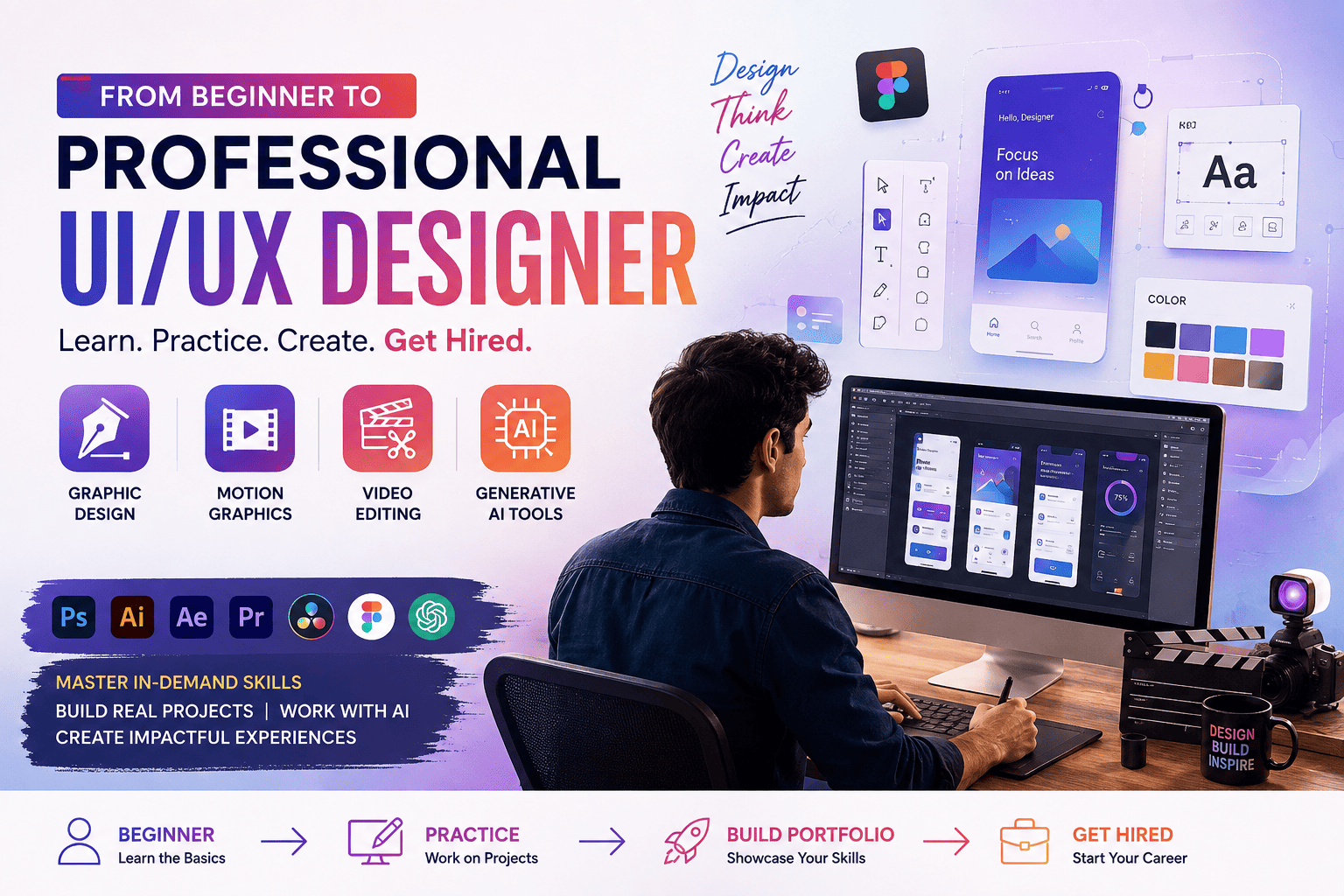
The creative industry is evolving rapidly, and UI/UX Design has become one of the most sought-after career paths in 2026. Companies are no longer looking for designers who only create attractive interfaces—they want professionals who understand Graphic Design, Motion Graphics, Video Editing, Website Design, and Generative AI Tools to build engaging digital experiences.
Whether you are a student after 10th or 12th, a graduate, a working professional, or someone planning a career change, this guide will help you understand the complete journey from beginner to professional UI/UX Designer. You’ll learn about the skills you need, industry-standard software, career opportunities, salaries, certifications, and how combining complementary creative skills can make you more employable.
Why UI/UX Design Is One of the Best Career Choices in 2026
As businesses continue their digital transformation, the demand for intuitive, user-friendly websites, mobile applications, and digital products has increased significantly.
UI/UX Designers help organizations:
- Improve customer experience
- Increase user engagement
- Enhance product usability
- Build stronger digital brands
- Improve conversion rates
- Create accessible digital products
- Solve real user problems
Because of these responsibilities, UI/UX Design offers strong career growth across startups, IT companies, product firms, healthcare, education, finance, and e-commerce.
What Is UI/UX Design?
UI/UX Design combines creativity, research, and technology to design digital experiences that are easy to use and visually appealing.
UI (User Interface) Design
UI Design focuses on the visual elements of digital products, including:
- Mobile App Interfaces
- Website Layouts
- Buttons & Components
- Typography
- Color Systems
- Icons
- Design Systems
- Responsive Layouts
UX (User Experience) Design
UX Design focuses on understanding user behavior and improving usability through:
- User Research
- Personas
- Information Architecture
- User Journey Mapping
- Wireframing
- Interactive Prototyping
- Usability Testing
- Accessibility
Together, UI and UX ensure digital products are attractive, functional, and user-friendly.
Step 1: Build a Strong Foundation with Graphic Design
Graphic Design is one of the most valuable complementary skills for aspiring UI/UX Designers.
Learn Topics Such As
- Logo Design
- Branding
- Typography
- Color Theory
- Layout Design
- Social Media Creatives
- Print Design
- Visual Communication
Industry Software
- Adobe Photoshop
- Adobe Illustrator
- Adobe InDesign
- Canva
Graphic Design improves your understanding of aesthetics, branding, and visual storytelling.
Step 2: Learn Professional UI/UX Design
A comprehensive UI/UX course should cover:
- Design Thinking
- User Research
- Wireframing
- Interactive Prototyping
- User Flows
- Design Systems
- Accessibility
- Mobile UI
- Web UI
- Responsive Design
Industry Software
- Figma
- Adobe XD
- FigJam
Hands-on projects help students apply these concepts to real-world scenarios.
Step 3: Add Motion Graphics to Your Skill Set
Motion Graphics make digital products more engaging by adding animation and movement.
Students learn to create:
- Animated Interfaces
- Product Demonstrations
- Explainer Videos
- UI Animations
- Social Media Animations
- Promotional Videos
- Title Sequences
Motion Graphics are widely used in digital marketing, product design, and advertising.
Step 4: Learn Video Editing
Video content dominates digital communication, making Video Editing a valuable skill for designers.
Topics Include
- Timeline Editing
- Color Correction
- Audio Editing
- Visual Effects Basics
- Transitions
- Storytelling
- Social Media Video Formats
Video editing knowledge enables UI/UX professionals to create engaging product presentations and marketing assets.
Step 5: Master Generative AI Tools
Generative AI is transforming creative workflows.
Modern UI/UX Designers use AI for:
- Design Inspiration
- Wireframe Generation
- UX Writing
- Image Creation
- Icon Generation
- Content Ideas
- Presentation Design
- Workflow Automation
AI improves efficiency while allowing designers to focus on creativity and problem-solving.
Suggested Learning Roadmap
Phase 1 – Design Basics
- Design Principles
- Color Theory
- Typography
- Layouts
Phase 2 – Graphic Design
- Branding
- Logo Design
- Print & Digital Media
Phase 3 – UI/UX Design
- User Research
- Wireframing
- Prototyping
- Design Systems
Phase 4 – Motion Graphics
- Animation Basics
- UI Animation
- Explainer Videos
Phase 5 – Video Editing
- Editing Techniques
- Motion Titles
- Social Media Videos
Phase 6 – Generative AI
- Prompt Writing
- AI Image Generation
- AI Content Assistance
- Workflow Automation
Following a structured roadmap ensures steady skill development and better career readiness.
Essential Software You’ll Learn
UI/UX Design
- Figma
- Adobe XD
- FigJam
Graphic Design
- Adobe Photoshop
- Adobe Illustrator
- Adobe InDesign
Motion Graphics
- Adobe After Effects
Video Editing
- Adobe Premiere Pro
- DaVinci Resolve
AI Tools
- ChatGPT
- Adobe Firefly
- Midjourney (concept generation)
- Microsoft Copilot
- Canva AI
Learning industry-standard software improves your employability and portfolio quality.
Build a Professional Portfolio
A strong portfolio is one of the most important assets for creative professionals.
Include:
- UI/UX Case Studies
- Mobile App Designs
- Website Interfaces
- Branding Projects
- Motion Graphics
- Video Editing Projects
- AI-Assisted Designs
- Interactive Prototypes
Employers often review portfolios before inviting candidates for interviews.
100% Practical Learning Makes the Difference
The best institutes focus on practical experience through:
- Live Projects
- Industry Assignments
- Portfolio Development
- Team Collaboration
- Internship Opportunities
- Client-Based Projects
Hands-on learning helps students build confidence and solve real-world design challenges.
Government Certification & Career Support
Many institutes offer government-recognized certification along with career services such as:
- Resume Building
- Portfolio Reviews
- Mock Interviews
- Internship Assistance
- Placement Support
- Freelancing Guidance
Certification strengthens your professional profile, while practical skills remain the key factor in employment.
Career Opportunities
After completing this learning path, you can pursue roles such as:
- UI Designer
- UX Designer
- Product Designer
- Graphic Designer
- Motion Graphic Designer
- Video Editor
- Visual Designer
- Creative Designer
- Brand Designer
- Multimedia Designer
- Digital Product Designer
- Freelance Creative Professional
Salary Expectations in India (2026)
Salary depends on experience, portfolio quality, skills, employer, and location.
| Experience | Approximate Annual Salary |
|---|---|
| Fresher | ₹3–6 LPA |
| 1–3 Years | ₹6–10 LPA |
| 3–5 Years | ₹10–18 LPA |
| Senior Professionals | ₹18 LPA+ |
Professionals who combine UI/UX Design with Graphic Design, Motion Graphics, Video Editing, and AI tools often have access to broader career opportunities.
Why Ahmedabad Is an Excellent Place to Learn UI/UX Design
Ahmedabad is home to a growing ecosystem of:
- IT Companies
- Product Startups
- Branding Agencies
- Digital Marketing Firms
- Creative Studios
- Media Companies
- Software Development Firms
Students benefit from internships, live projects, networking opportunities, and a rapidly expanding digital economy.
Who Should Join This Learning Path?
This roadmap is ideal for:
- Students after Class 10 or 12
- College Students
- Graduates
- Working Professionals
- Career Changers
- Graphic Designers
- Video Editors
- Freelancers
- Entrepreneurs
- Content Creators
No prior coding experience is required for beginner-level UI/UX courses.
Frequently Asked Questions (FAQs)
1. Can I become a UI/UX Designer without prior experience?
Yes. Most beginner-level UI/UX courses start with design fundamentals, making them suitable for students and professionals from any background.
2. Why should I learn Graphic Design before UI/UX Design?
Graphic Design helps you understand branding, typography, layouts, and visual communication, creating a stronger foundation for interface design.
3. Is Motion Graphics useful for UI/UX Designers?
Yes. Motion Graphics help designers create engaging animations, micro-interactions, product demos, and marketing videos that enhance user experiences.
4. How does Video Editing help UI/UX professionals?
Video Editing enables designers to present prototypes, create product walkthroughs, develop promotional videos, and improve visual storytelling.
5. What role do Generative AI tools play in UI/UX Design?
Generative AI assists with idea generation, wireframing, UX writing, image creation, design variations, and workflow automation, increasing productivity while supporting creativity.
6. Do I need coding to become a UI/UX Designer?
No. Coding is not mandatory for most UI/UX roles, although basic knowledge of HTML and CSS can improve collaboration with developers.
7. Does a government certificate guarantee placement?
No. A government-recognized certificate enhances your profile, but employers also assess your practical skills, portfolio, communication abilities, and problem-solving approach.
8. Why is Ahmedabad a good place to study UI/UX Design?
Ahmedabad has a growing network of technology companies, startups, branding agencies, and creative studios, offering excellent opportunities for practical learning and career development.
Conclusion
Becoming a professional UI/UX Designer in 2026 involves much more than learning interface design alone. By combining UI/UX Design with Graphic Design, Motion Graphics, Video Editing, and Generative AI Tools, you can develop a versatile skill set that meets the evolving needs of modern businesses.
Choose a course that emphasizes 100% practical learning, live projects, portfolio development, government-recognized certification, internship opportunities, and placement support. With continuous learning, hands-on experience, and a strong portfolio, students and professionals can build rewarding careers across technology, media, digital marketing, product design, and creative industries.